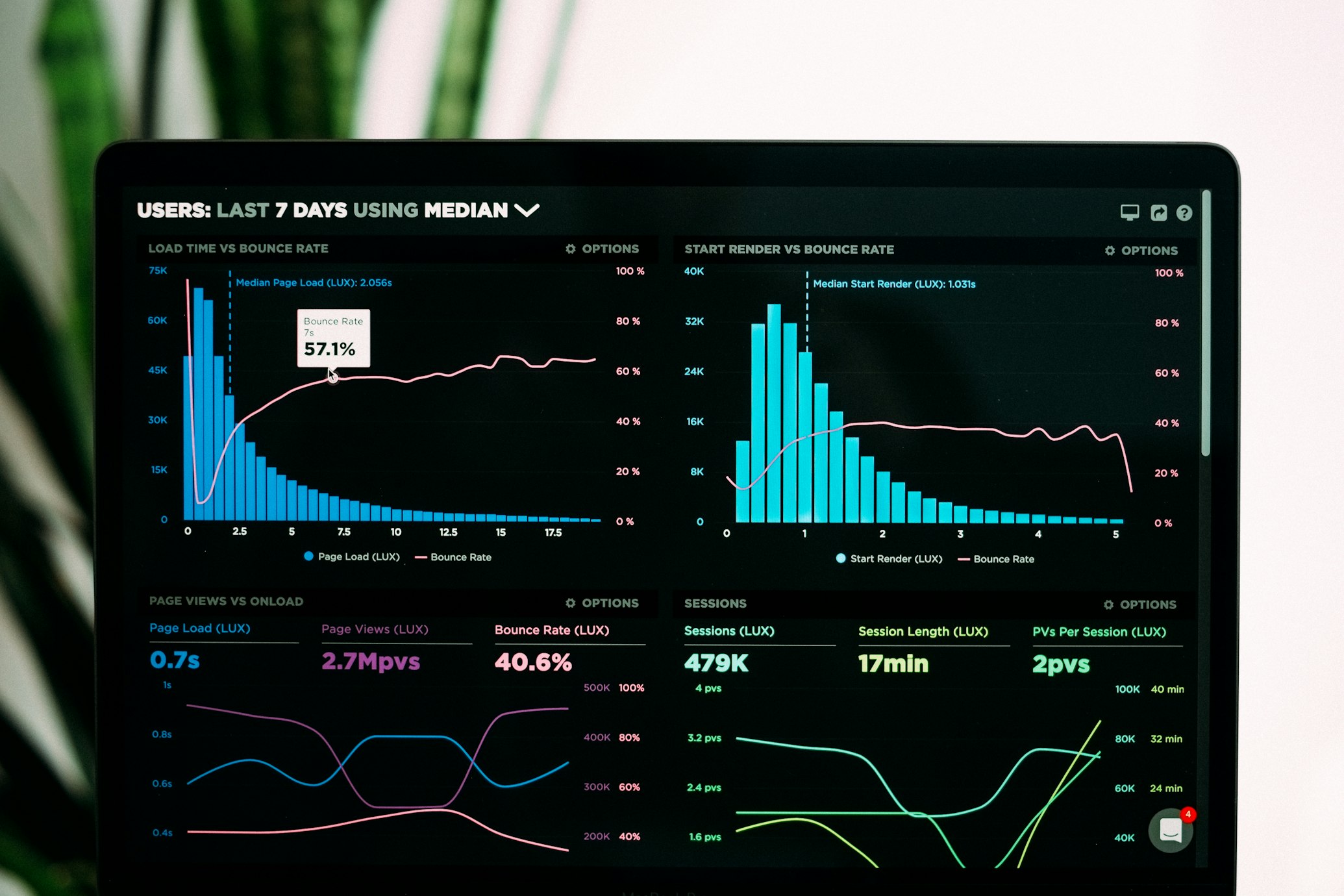
Page speed is both a Google ranking factor and a direct driver of revenue. A slow website loses visitors, ranks lower, and costs you more in Google Ads. Here's how to fix it.
Why Website Speed Matters in Nigeria
Nigerian internet speeds vary widely. A site that loads in 2 seconds on fibre may take 8+ seconds on 3G mobile. Since most of your visitors are on mobile data, you must optimise for low-bandwidth connections.
- 53% of mobile users abandon a site that takes longer than 3 seconds to load
- Google uses Core Web Vitals as a direct ranking signal
- Every 1-second improvement in load time can increase conversions by 7%
Core Web Vitals Explained
Google measures page experience using three metrics:
- LCP (Largest Contentful Paint): How fast the main content loads. Target: under 2.5 seconds.
- INP (Interaction to Next Paint): How fast the page responds to user input. Target: under 200ms.
- CLS (Cumulative Layout Shift): How stable the page layout is as it loads. Target: under 0.1.
How to Speed Up Your Website
1. Optimise Images
Images are the #1 cause of slow websites. Convert images to WebP or AVIF format (50–80% smaller than JPEG). Use Next.js Image component or a CDN for automatic optimisation.
2. Enable Compression
Enable Gzip or Brotli compression on your server. This reduces the size of HTML, CSS, and JS files by 60–80%.
3. Use a CDN (Content Delivery Network)
A CDN stores copies of your site on servers worldwide, reducing latency for international visitors. Cloudflare offers a free tier that works great for Nigerian websites.
4. Minimise Render-Blocking Scripts
JavaScript that loads in the
blocks the page from rendering. Move scripts to the bottom, use async/defer loading, and eliminate unused third-party scripts.5. Implement Caching
Browser caching stores static files locally on returning visitors' devices. Set cache headers so repeat visitors load your site instantly.
6. Use Lazy Loading
Don't load images that are below the fold until the user scrolls to them. The HTML loading="lazy" attribute is supported by all modern browsers.
Technical SEO Checklist
- ✅ Install SSL certificate (HTTPS) — Google won't rank HTTP sites
- ✅ Create and submit a sitemap.xml to Google Search Console
- ✅ Ensure your robots.txt doesn't block important pages
- ✅ Fix broken links (404 errors)
- ✅ Use canonical tags to prevent duplicate content
- ✅ Add structured data (JSON-LD schema) for rich results
- ✅ Ensure mobile responsiveness across all screen sizes
- ✅ Set up Google Analytics 4 and Search Console
Free Tools to Test Your Website Speed
- Google PageSpeed Insights: pagespeed.web.dev
- GTmetrix: gtmetrix.com
- WebPageTest: webpagetest.org
- Google Search Console: Core Web Vitals report
Need a speed and SEO audit of your website? Contact Muddy X Digital — we'll run a full technical SEO audit and fix the issues for you.